 gollog
Make room for what matters.
Put plans into 10-minute blocks. Give work, learning, movement, and rest a place in your day.
Plan · Do · Check · Act
A planner, a journal, and a clearer picture of your life. Bring your time, tasks, and everyday records together in one 10-minute grid.
iPhone · Apple Watch · All features free at launch
Actual app screens with example records
Week · Month · Year
Start with a single moment. Move between day, week, month, and year to discover how your time adds up.
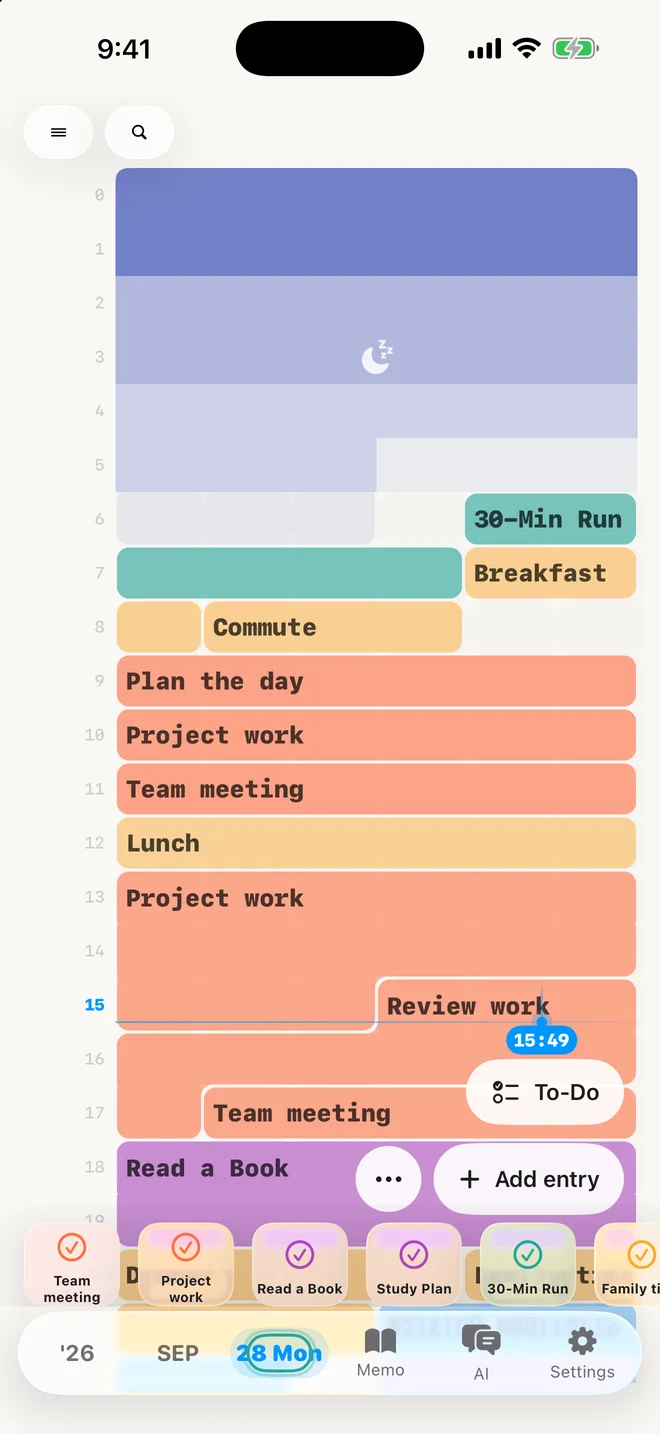
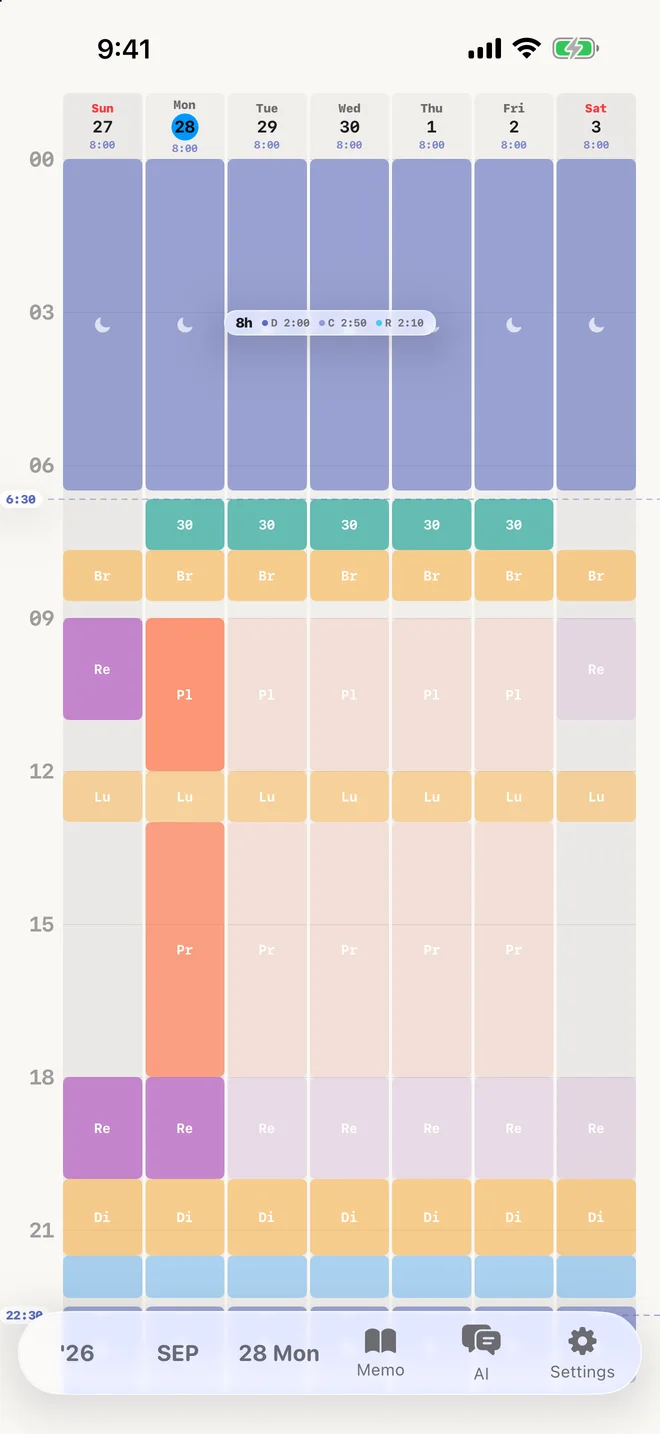
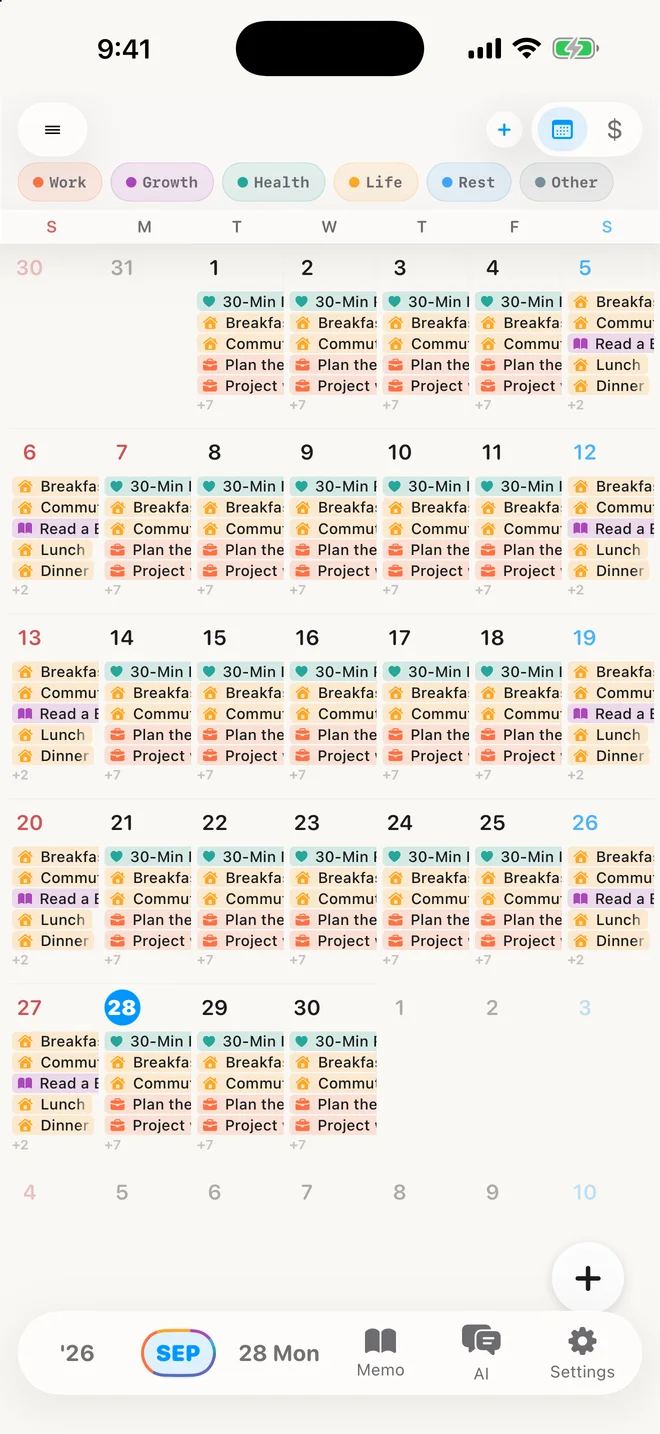
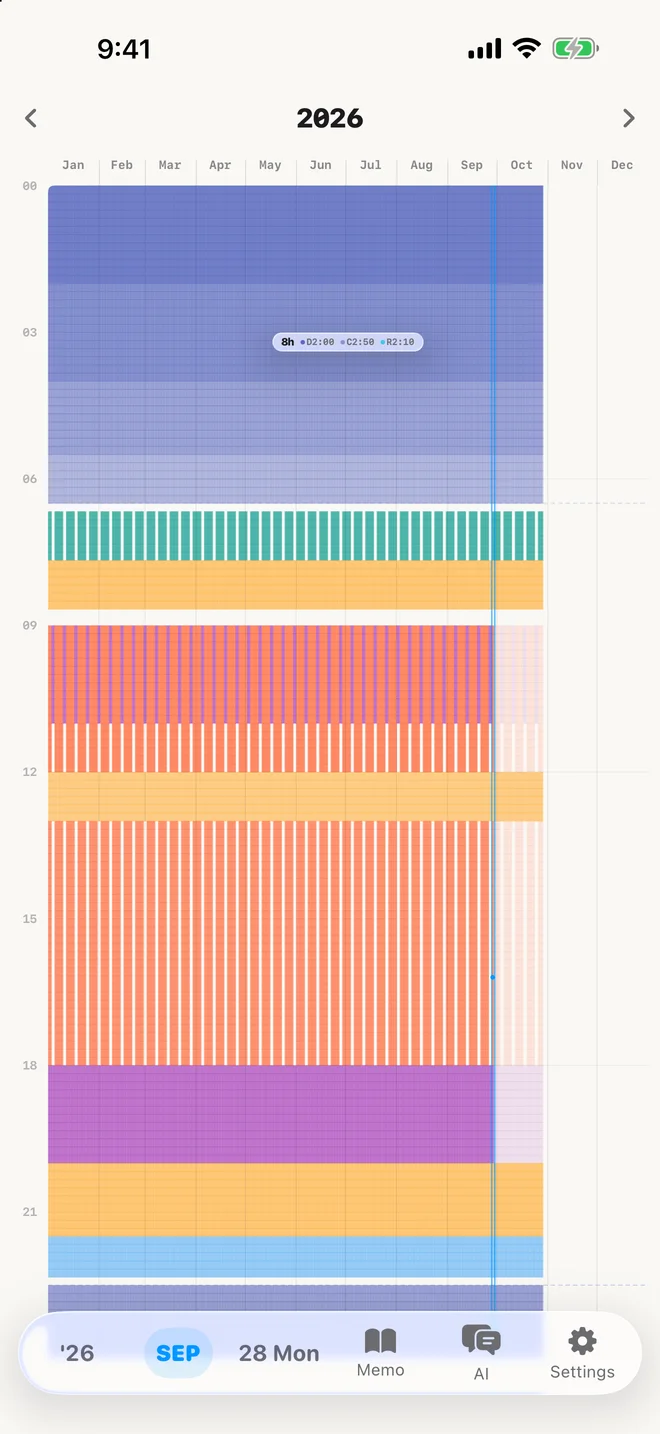
Plan it, live it, and see where every hour really goes.
Sleep, work and workouts, day by day, on one screen.
Routines and plans laid out across the calendar.
Look back on 365 days as a single, quiet grid.
Put plans into 10-minute blocks. Give work, learning, movement, and rest a place in your day.
Record what you actually did, alongside what you planned. A change of plans is part of the picture.
Step back to see recurring patterns. Use what you notice to plan your next day.
gollog AI
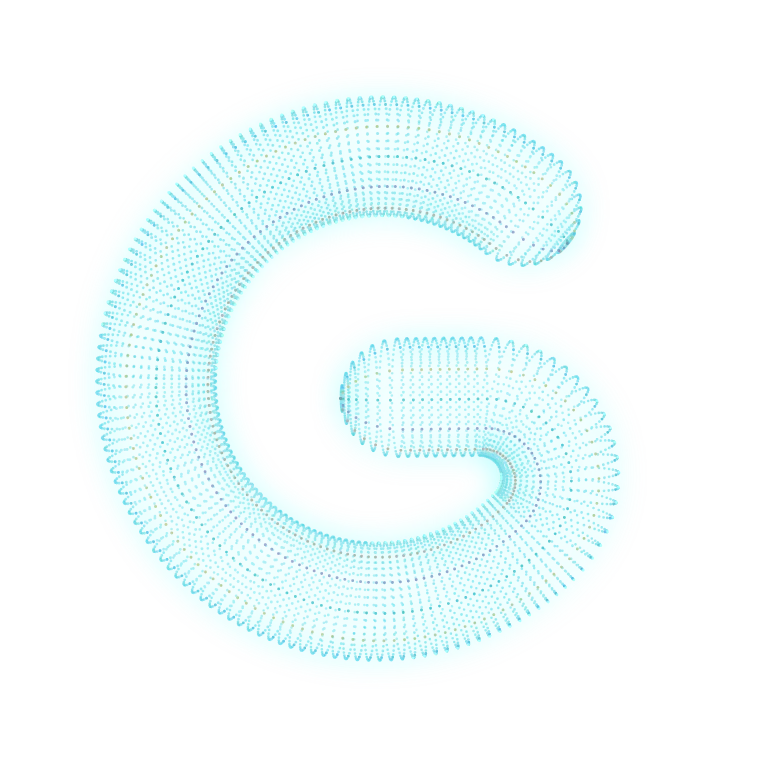
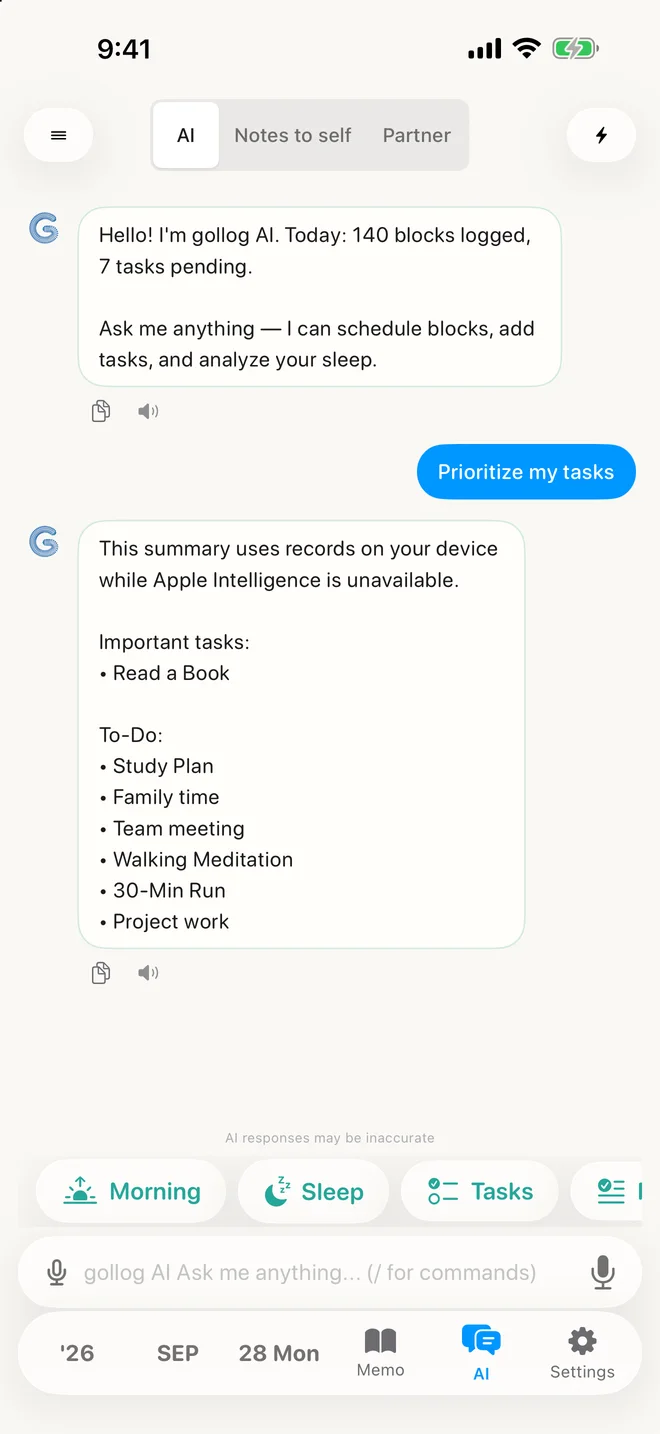
G is how gollog AI shows it’s thinking. As it works, G blooms into your five life domains, settles into rings like the days you’ve recorded, and returns to G. Answers never wait for the animation.
G holds still with Reduce Motion or Low Power Mode on. Its shape is expression, never a score.
On‑device AI
Briefings and priorities from your own records, processed on your iPhone.
AI availability depends on device, language, region, and Apple Intelligence settings. Some supported requests can use local rules when generative AI is unavailable.

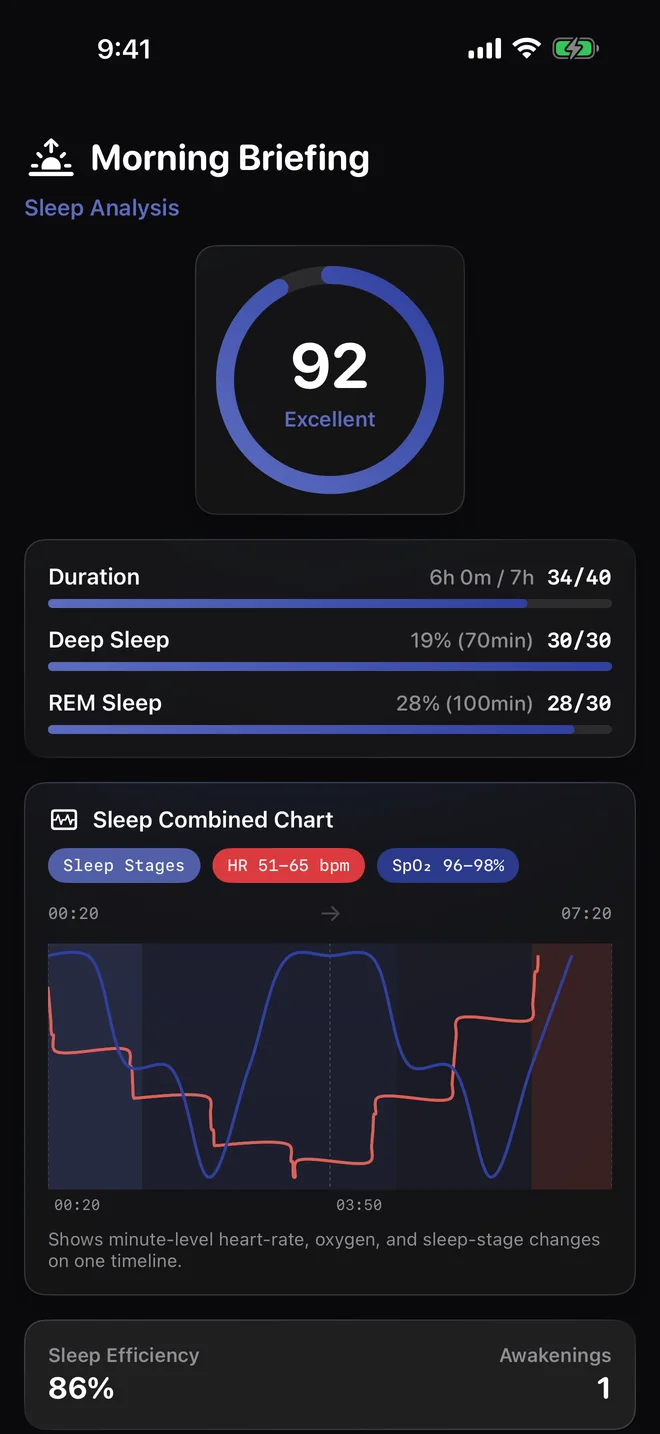
Sleep & Health
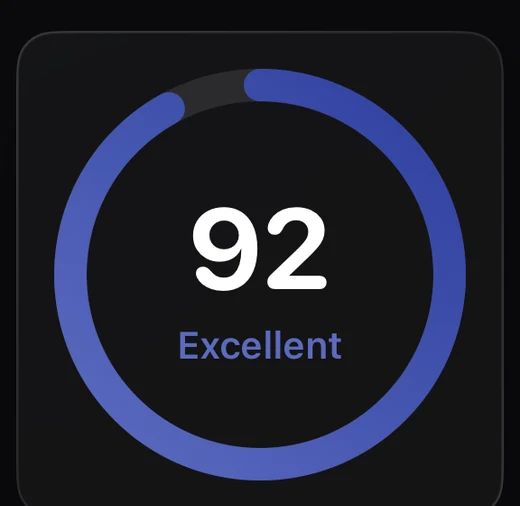
Sleep stages and heart rate together, with a morning briefing.
Sleep stages and heart rate are shown as separate signals
gollog
Keep diary entries, photos, and everyday notes close to your time records.
Track expenses and work with tables and formulas. Bring the details of daily life into one place.
Record with Apple Watch and continue on iPhone. Widgets keep your day within reach.
Private by design
Kept on your device, synced to your own iCloud only if you choose.
Records are stored on your device by default. Optional iCloud sync, sharing, and connected services transfer the data needed for the features you enable.
PrivacyiPhone and iPad require iOS or iPadOS 26 or later. Apple Watch is optional. Health and recording features depend on permissions, devices, and available system resources.
All Pro features are available without a subscription during the free launch. Your core records and export remain accessible regardless of subscription.